

We’ll Teach You Step By Step How To Sync Your KeyFob to Your New Volkswagen
When you purchase a new Volkswagen, one of the essential tasks is syncing your keyfob to your vehicle. This process ensures you can unlock, lock, and start your car seamlessly. At Volkswagen of Spartanburg, we understand that syncing your keyfob might seem daunting, but with our step-by-step guide, you’ll have it done in no time.
In this article, we’ll walk you through the entire process of syncing your keyfob to your new Volkswagen. Whether you’re a first-time VW owner or simply need a refresher, this guide will make the VW keyfob sync process straightforward and stress-free.
Understanding Your Volkswagen Keyfob
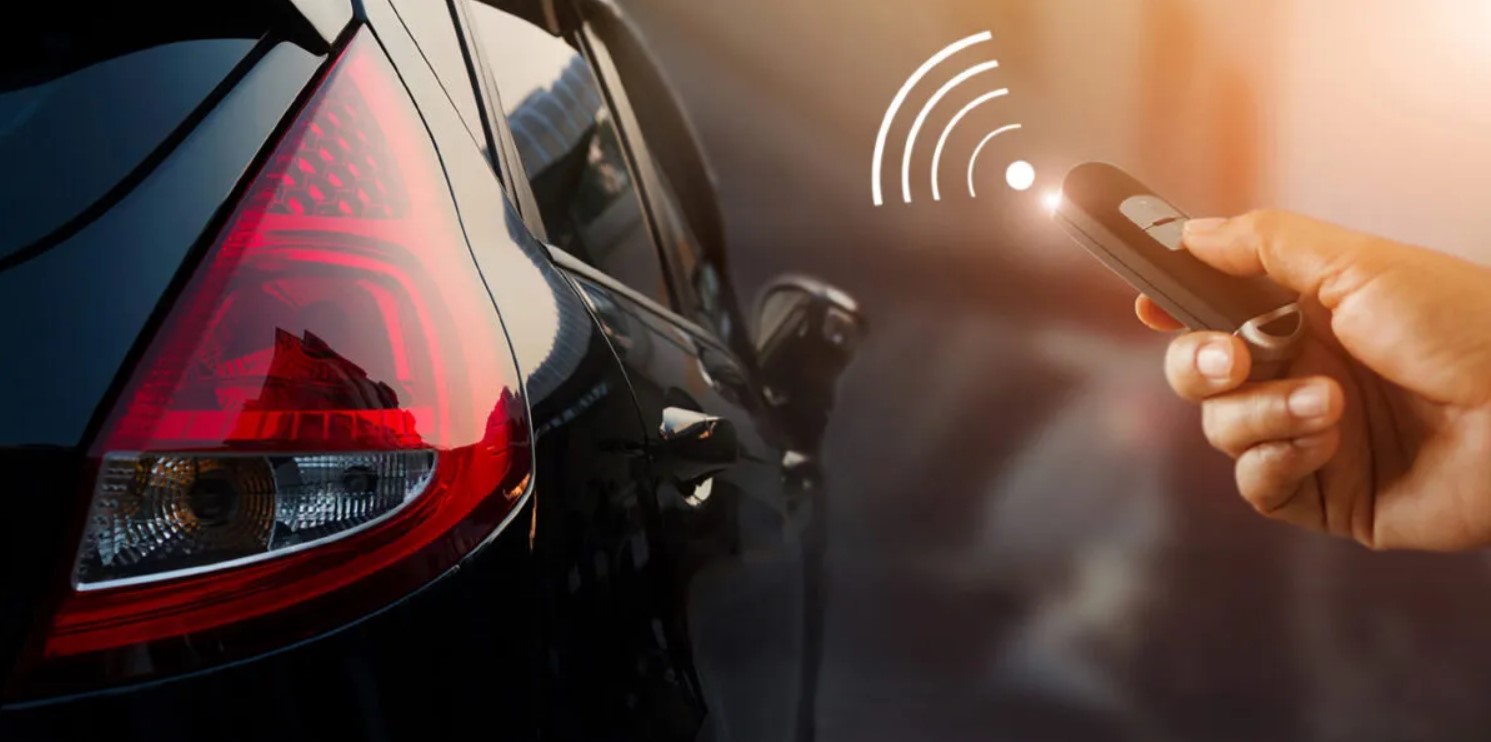
Before diving into the syncing process, it’s essential to understand the functions of your Volkswagen keyfob. The keyfob is a compact remote control that communicates with your vehicle. It typically includes buttons for locking, unlocking, trunk access, and panic mode. Some models may also have additional features like remote start.
Why Syncing Your Keyfob is Important

Syncing your keyfob is crucial because it ensures that your vehicle recognizes the fob’s signals. Without syncing, the keyfob won’t be able to perform its functions, leaving you unable to conveniently access your car’s features.
Now, let’s get into the steps to sync your keyfob to your new Volkswagen.
Step-by-Step Guide to Sync Your Volkswagen Keyfob
Step 1: Prepare Your Vehicle
First, ensure that your Volkswagen is parked in a safe location with no obstructions around it. It’s a good idea to be in a quiet environment to minimize distractions. Make sure all vehicle doors are closed, and you have your keyfob in hand.
Step 2: Insert the Key
Insert the physical key into the ignition slot. This might sound old-fashioned, but it’s a necessary part of the syncing process. Turn the key to the “On” position without starting the engine. This step powers up the vehicle’s systems, preparing them for synchronization.
Step 3: Use the Keyfob
With the key in the “On” position, press the “Lock” button on your keyfob. Hold it for a few seconds and then release. You’ll likely hear a sound or see the lights flash, indicating that the vehicle has received the signal.
Step 4: Turn Off the Ignition
Turn the key back to the “Off” position and remove it from the ignition. This resets the system and finalizes the synchronization process.
Step 5: Test the Keyfob
Now that you’ve completed the syncing process, it’s time to test your keyfob. Stand a short distance away from the vehicle and press the “Lock” and “Unlock” buttons to ensure they’re working correctly. Also, try out any other functions like trunk access or panic mode.
If everything is working as expected, congratulations! You’ve successfully synced your keyfob to your new Volkswagen. If you’re experiencing issues, don’t worry—we’ve got some troubleshooting tips below.
Troubleshooting Common Keyfob Syncing Issues
Occasionally, you might encounter some challenges during the syncing process. Here are a few common issues and how to resolve them:
Keyfob Not Responding
If your keyfob isn’t responding, first check the battery. A weak or dead battery can prevent the keyfob from working. Replace the battery if necessary and attempt the syncing process again.
Vehicle Not Responding
If your vehicle doesn’t respond to the keyfob signals, double-check that the key was in the correct “On” position during the syncing process. It’s also possible that the vehicle’s systems need a reset, which can often be resolved by repeating the process.
Consult Your Volkswagen Dealer
If you’re still facing issues after trying these troubleshooting steps, it’s best to consult with our team at Volkswagen of Spartanburg. Our experts can assist you in resolving any syncing problems and ensure your keyfob is functioning correctly.
Benefits of Having a Synced Keyfob
Having a synced keyfob offers numerous benefits, enhancing your overall driving experience:
Convenience: Quickly lock and unlock your car without fumbling for keys.
Security: Use the panic button in emergencies to alert others.
Efficiency: Access your vehicle’s features seamlessly, saving time and effort.
Additional Tips for Keyfob Maintenance
To keep your keyfob in optimal condition, consider these maintenance tips:
Battery Check: Regularly check and replace the battery to ensure the keyfob functions properly.
Clean Regularly: Keep the keyfob clean to prevent dirt and debris from affecting the buttons.
Avoid Water: Keep the keyfob dry, as moisture can damage the internal electronics.
Why Choose Volkswagen of Spartanburg
At Volkswagen of Spartanburg, we’re committed to providing exceptional service and support to our customers. Whether you’re syncing your keyfob or need assistance with other vehicle features, our team is here to help. As a leading Volkswagen dealer near Greer and Greenville and a new VW dealer in Spartanburg, we offer a wide range of services and parts, as well as a knowledgeable staff ready to assist you. Whether you’re looking for the new Volkswagen Atlas, Taos, Tiguan, or something else, shop for your new Volkswagen in Spartanburg today!
Your Key to Convenience
Syncing your keyfob to your new Volkswagen is a simple yet crucial process that enhances your vehicle’s usability. By following our step-by-step guide, you can ensure your keyfob is synced correctly and functioning at its best. If you encounter any issues, don’t hesitate to reach out to us at Volkswagen of Spartanburg for expert assistance. We look forward to serving you and helping you enjoy your Volkswagen to the fullest.
Connect with us